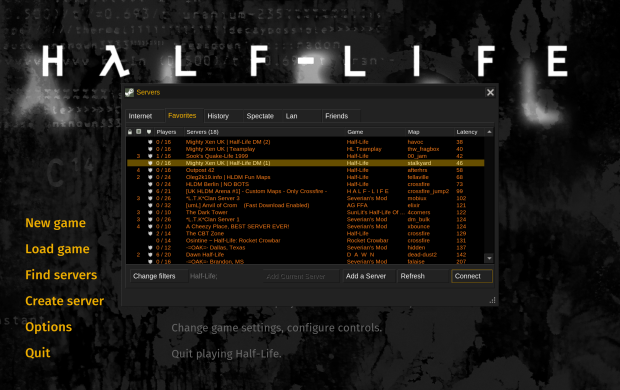
TrackerScheme.res is one of those Half-Life files that most players will probably never notice, but it controls a surprising amount of the appearance of the game’s VGUI interface. By editing a simple text file you can change colours,…
Read guide ›
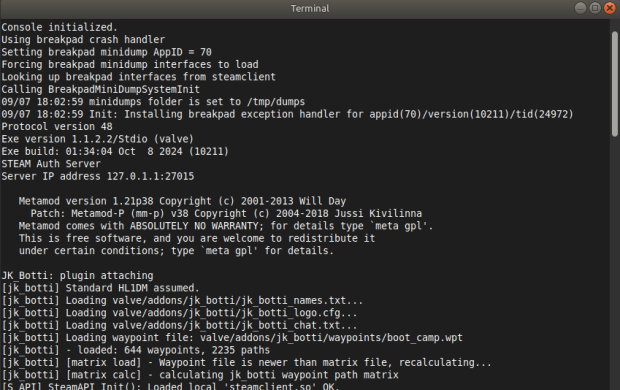
How To Install HLDS (Half-Life Dedicated Server) In this guide I will go through how to download, install and configure HLDS using SteamCMD on both Windows and Linux. HLDS is the dedicated server software used by Half-Life and…
Read guide ›
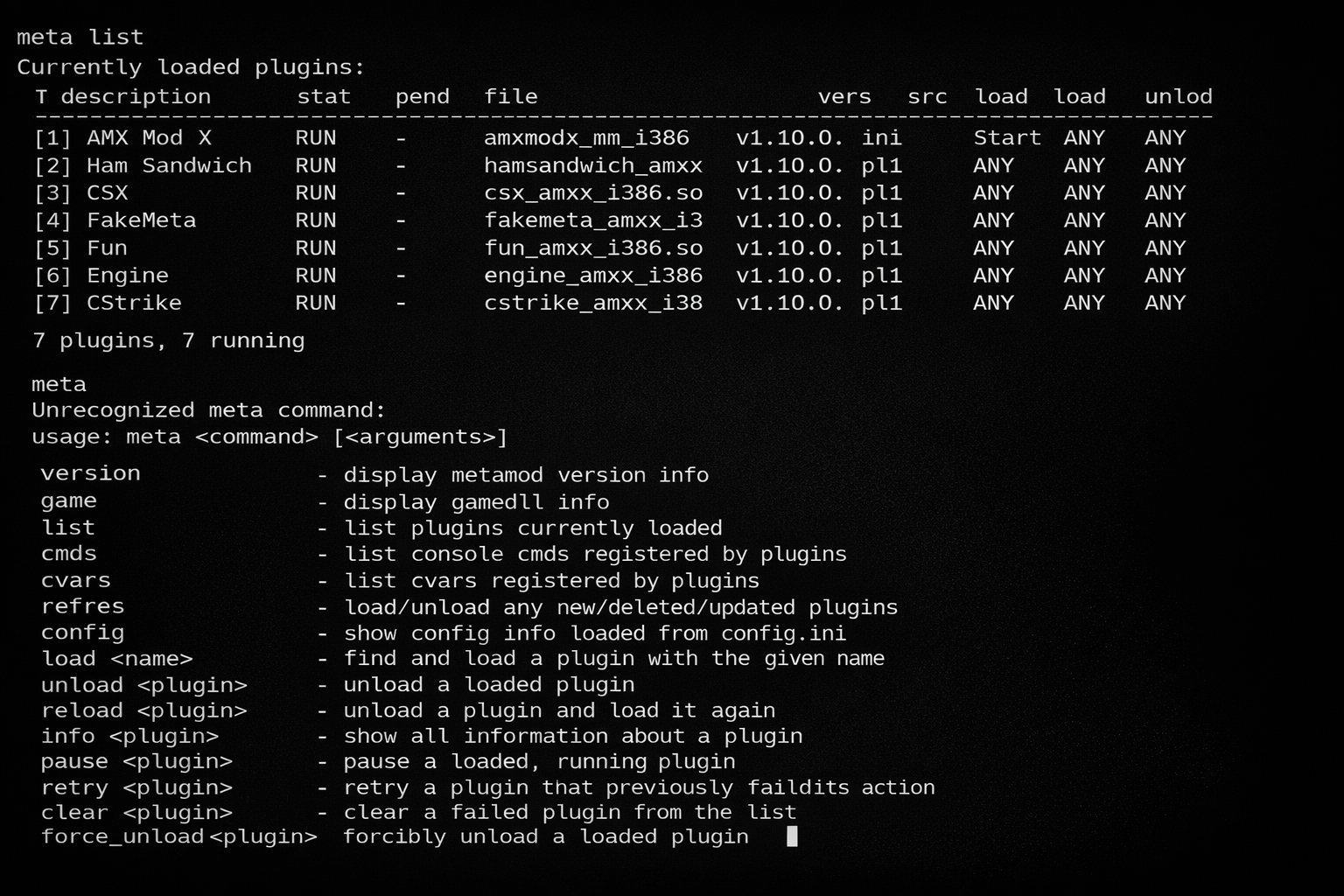
This guide explains how to install Metamod on a GoldSrc Half-Life Dedicated Server. Metamod sits between the Half-Life engine and the game DLL, allowing the server to load additional server plugins such as AMX Mod X and other…
Read guide ›

This guide explains how to install and configure AMX Mod X on a GoldSrc Half-Life Dedicated Server. AMX Mod X runs through Metamod and allows you to add additional features, administration commands and server plugins without having to…
Read guide ›
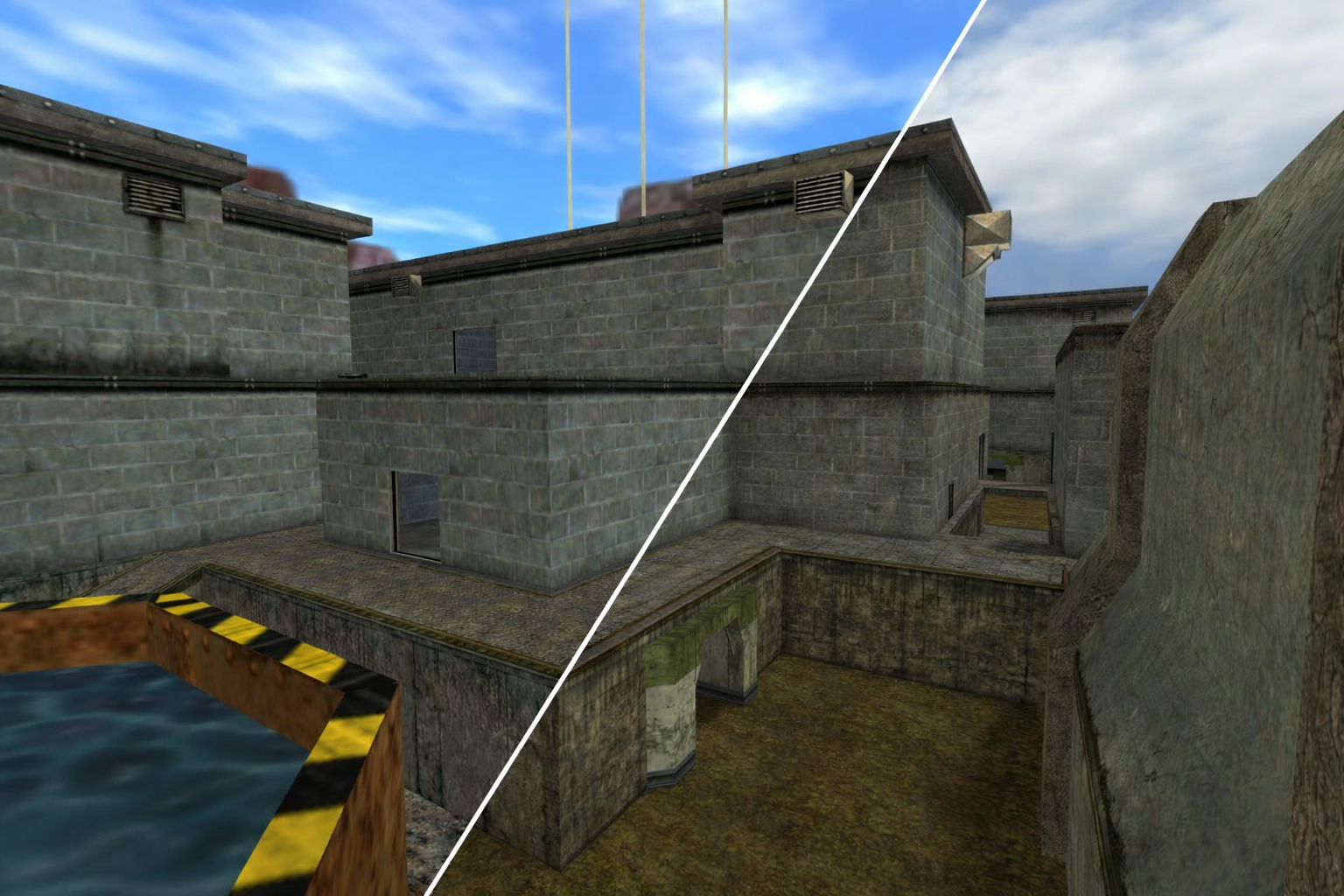
This texture pack replaces many of the stock Half-Life textures with higher resolution versions while keeping the original maps and gameplay unchanged. It is a simple way of giving the game a cleaner look without moving too far…
Read guide ›
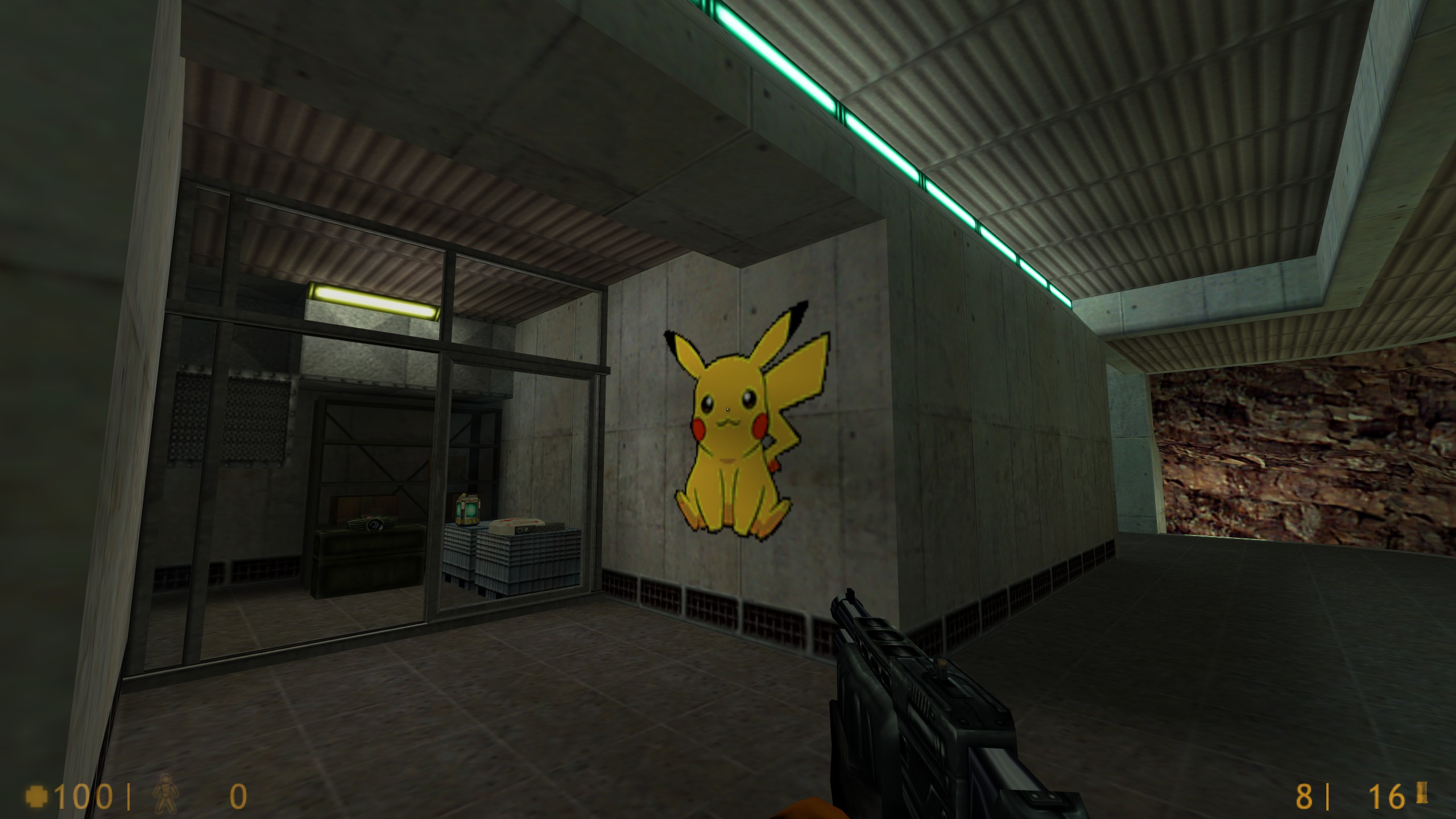
Custom sprays, sometimes referred to as logos or decals, allow you to leave your own image on walls and other surfaces in Half-Life. This guide explains how to prepare a colour image, convert it into the correct decal…
Read guide ›
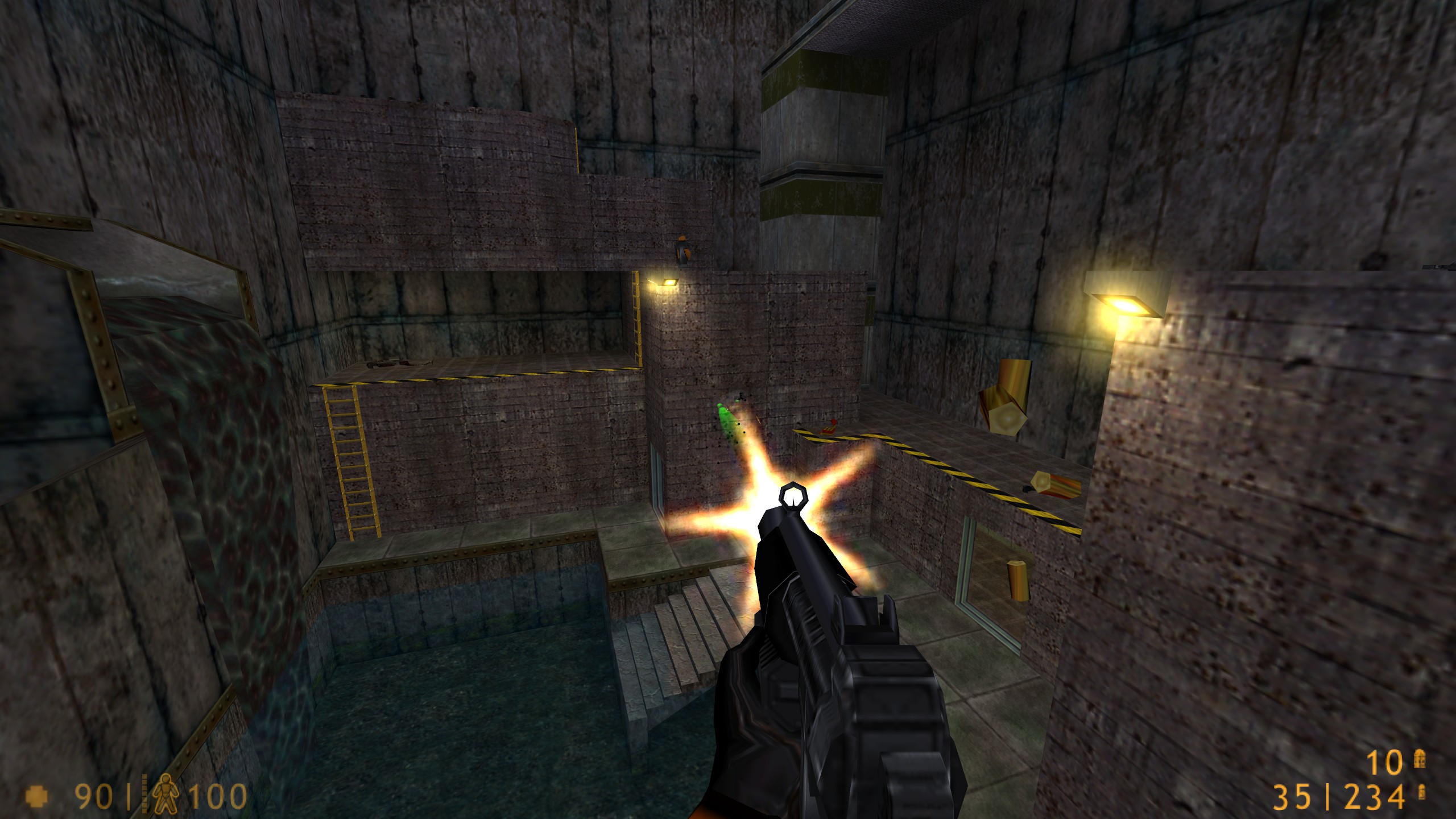
Half-Life tracers are the visible lines which follow some bullets as they travel through the game. Their colour, brightness, length and speed can all be adjusted using console commands, which gives you quite a bit of control over…
Read guide ›