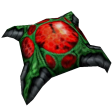
A selection of custom Sprites for Half-Life Deathmatch.
Installation Tip: Since the latest Half-Life update, place these files into a
valve_addon directory.
This way, your original files are not overwritten. Once in-game, enable
“Allow custom addon content” in the Options → Content menu.
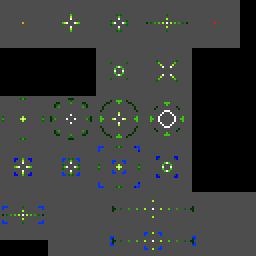
Note: With the Half-Life 25th Anniversary update, crosshairs and HUD sprites are no longer tied to your screen resolution. Crosshair and HUD packs include three files like this:
crosshairs.spr– standard resolutions1280crosshairs.spr– 1280×720 to 1920×10802560crosshairs.spr– 2560×1440 and above
valve_addon/sprites and the game will select the right one.
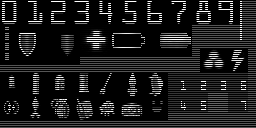
640hud7.spr
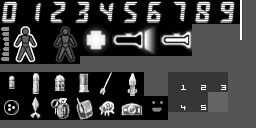
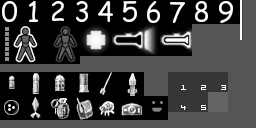
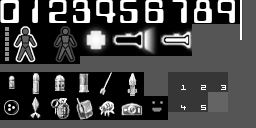
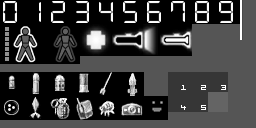
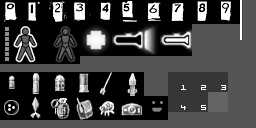
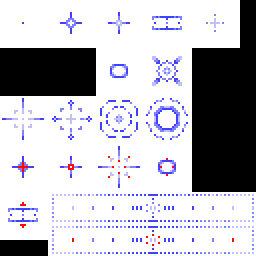
Crosshairs.spr
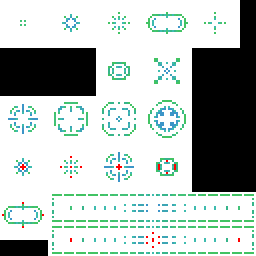
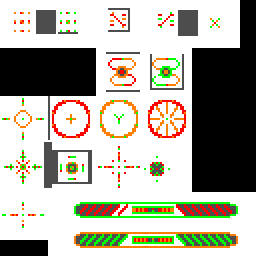
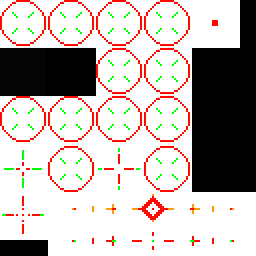
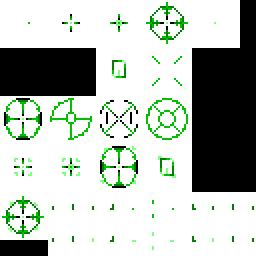
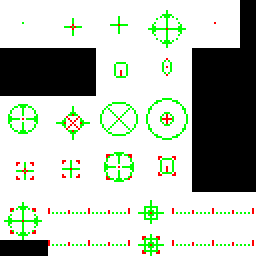
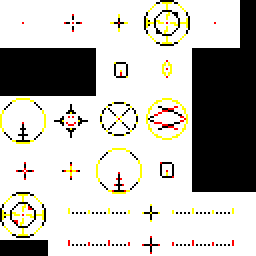
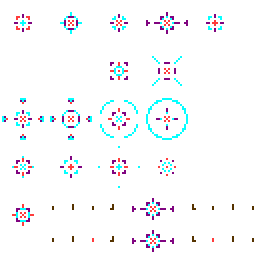
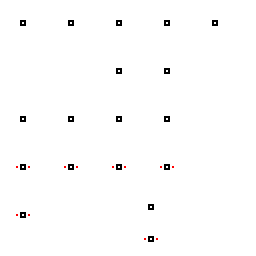
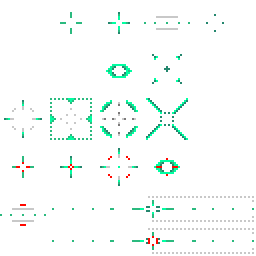
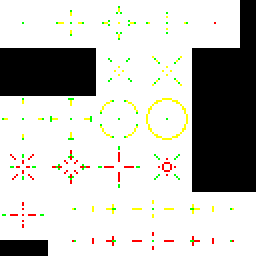
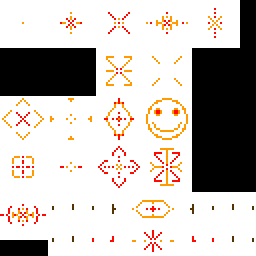

Hotglow.spr


Laserdot.spr


Smoke.spr


